

How to Set Up Google Search Console
Here is a brief tutorial showing you to up set up Google Search Console and get your URL verified by installing a piece of code on your website.
1. Start by going to https://search.google.com/search-console/about and click on Start Now
2. Log in using a gmail address
3. Add your website URL to the URL Prefix column, then click Continue

4. Open the HTML Tag accodion and copy the piece of copy using the Copy buttom
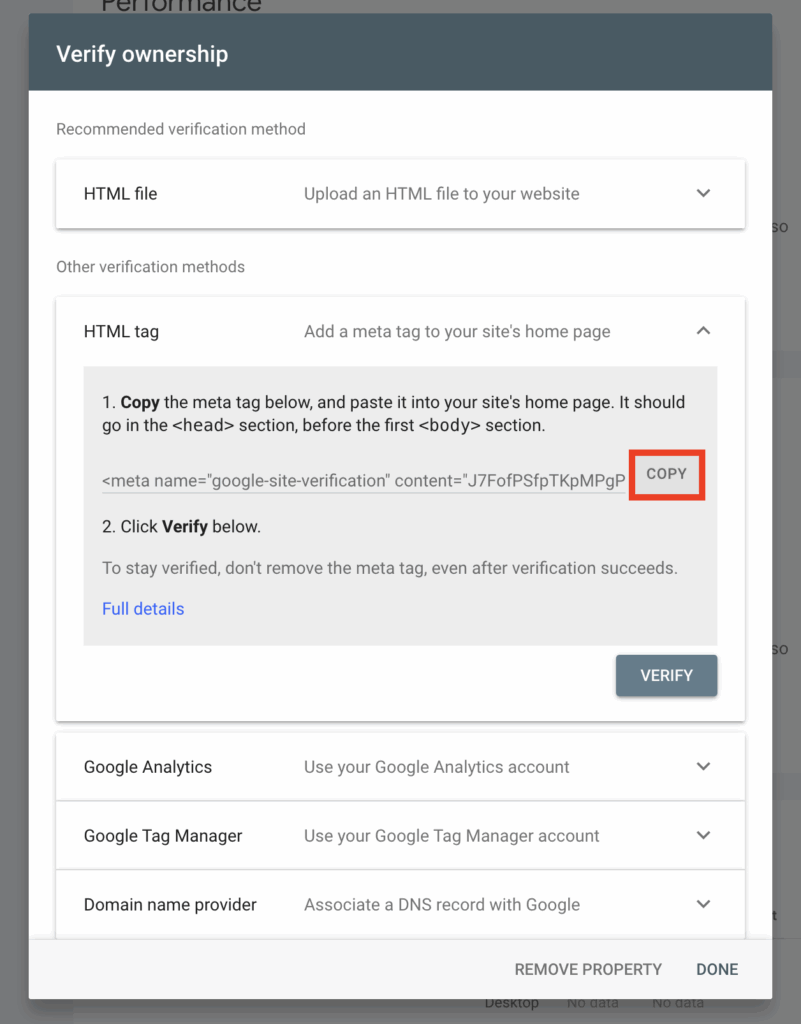
5. Log in to your WordPress website and select Theme Settings from the sidebar on the left, then scroll down to Universal Scripts > Custom Scripts – Head, then paste the GSC code there. If there are already existing scripts, leave one blank line below the last script and paste the new script below it.

6.Go back to Search Console and click the Verify button
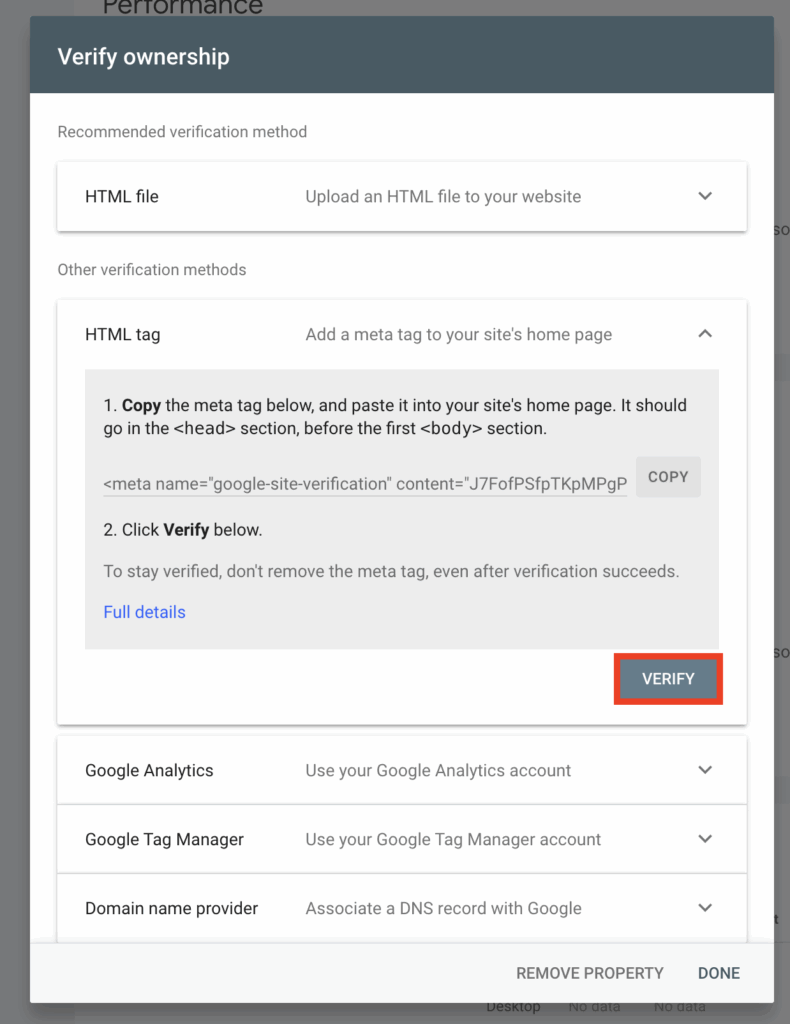
You should then have access to your search console.