
Adding Reservations to Your Site
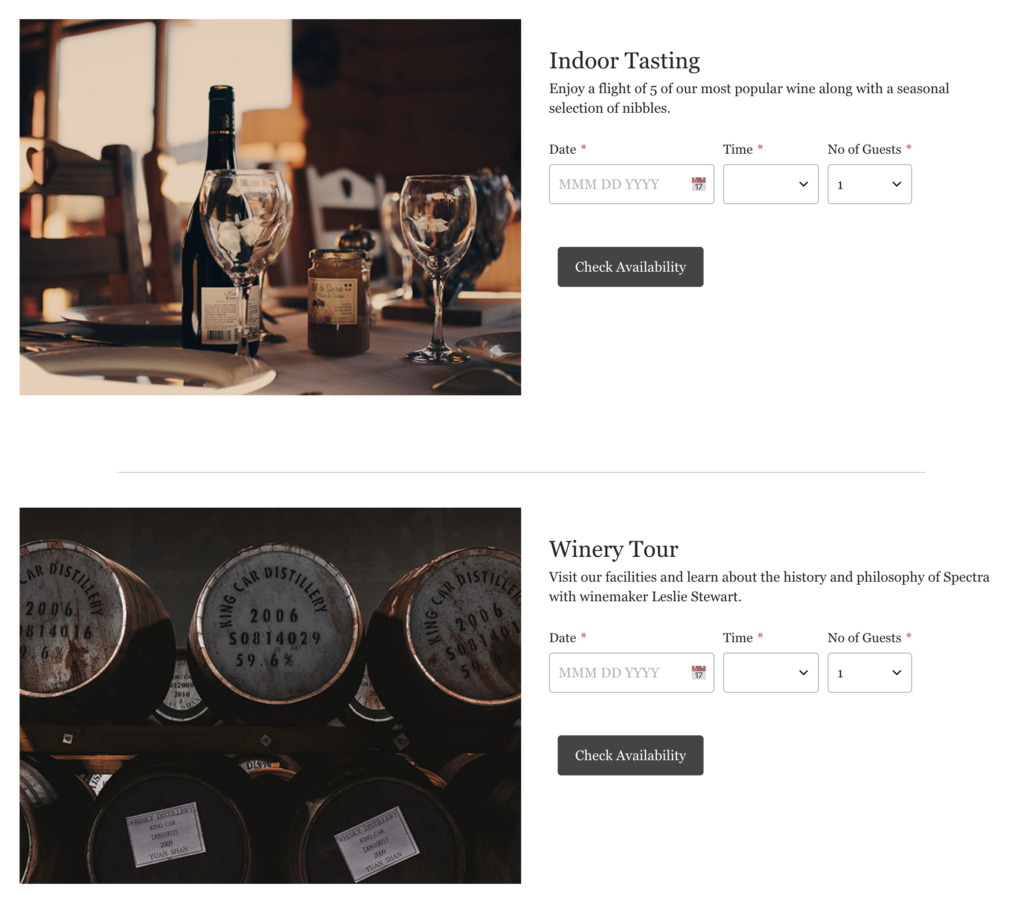
If you want to add a Reservation button to your site you should first create a page that explains what is on offer.
It can look like this for example:
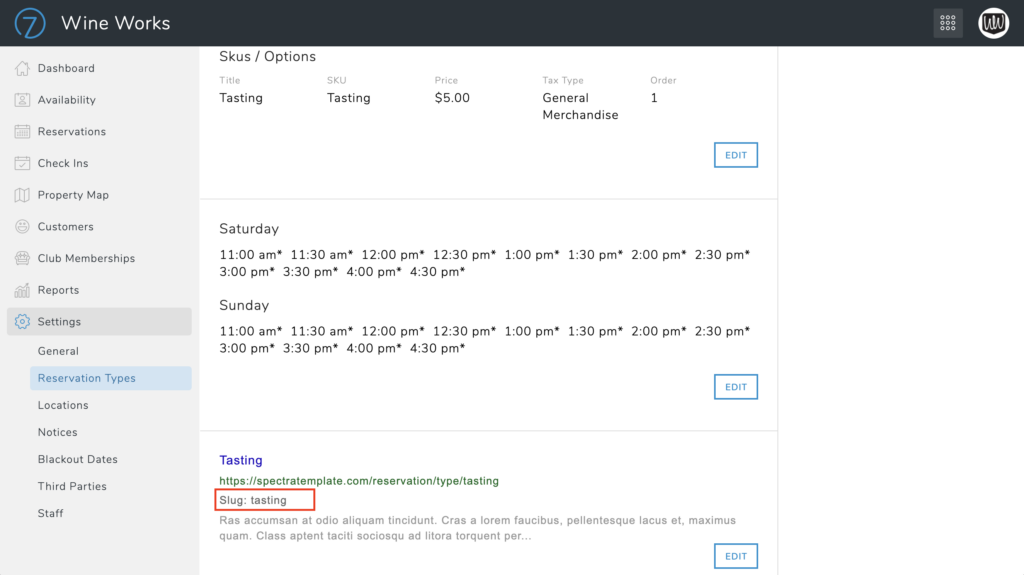
To add the Reservation widget to your page, first you will need to capture the slug of your reservation from the Commerce7 Admin Panel.
You can find this in the Commerce7 admin panel by going to Reservations/Settings/Reservation Types.
Add Reservation button to your page
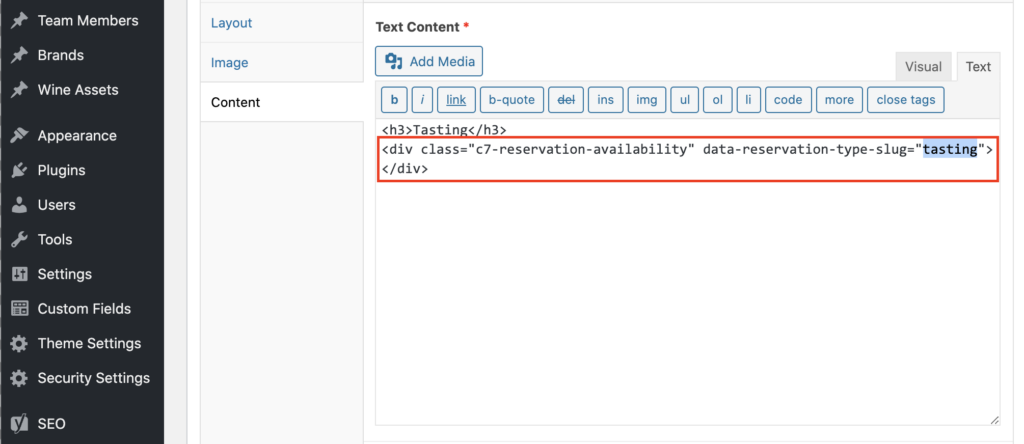
Once you have your reservation slug you now add your button to the page you have created.
Make sure to be in Text View when adding the code snippet below
<div class="c7-reservation-availability" data-reservation-type-slug="tasting"></div>. Make sure replace “tasting” with your slug.